A mobile-first PWA for coffee enthusiasts who want to remember what made a particular brew great. Log your beans, brewing method, grind coarseness, water temperature, and brew time. Rate each session, leave tasting notes, and explore what the community is brewing. The app works offline and installs like a native app.
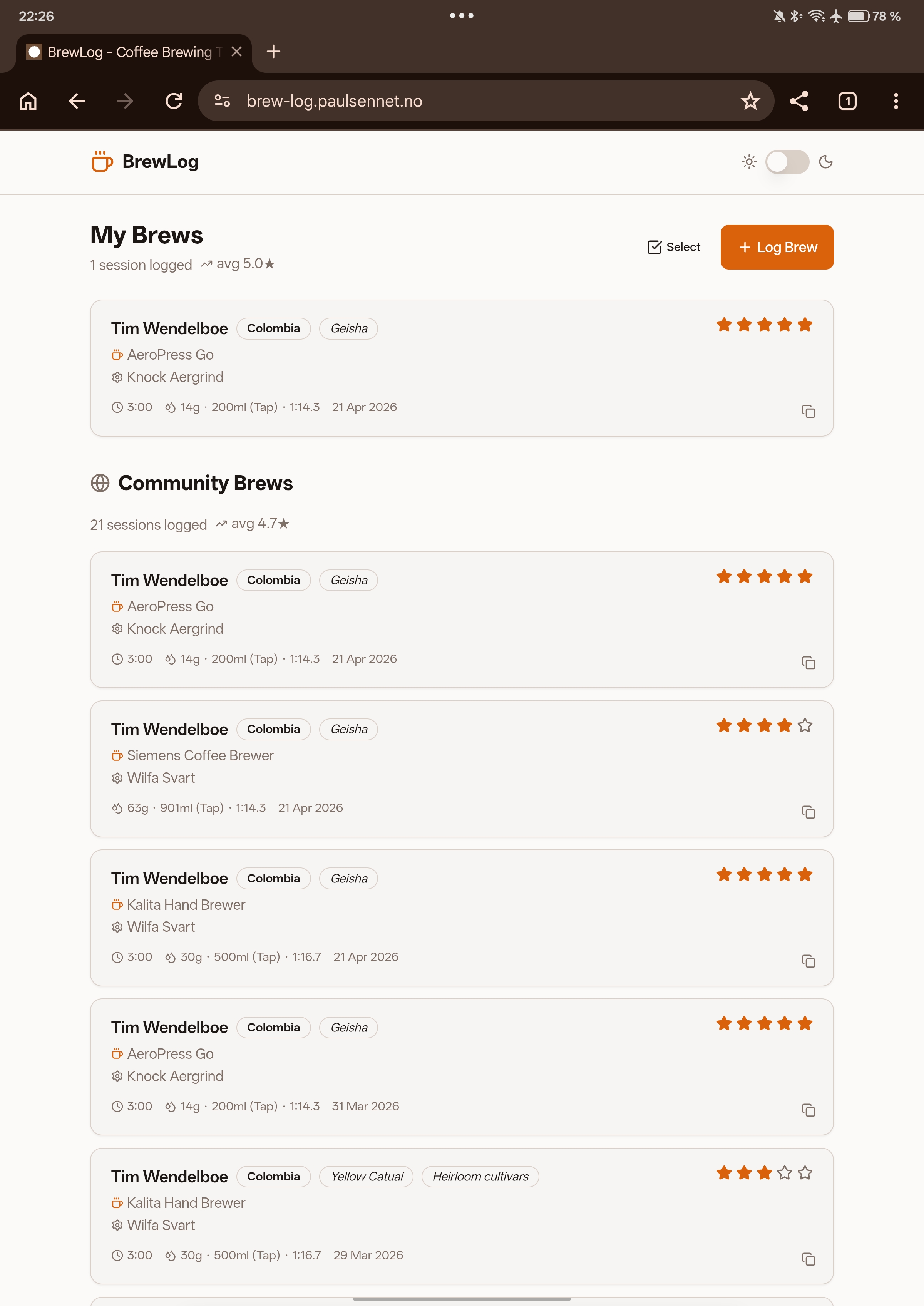
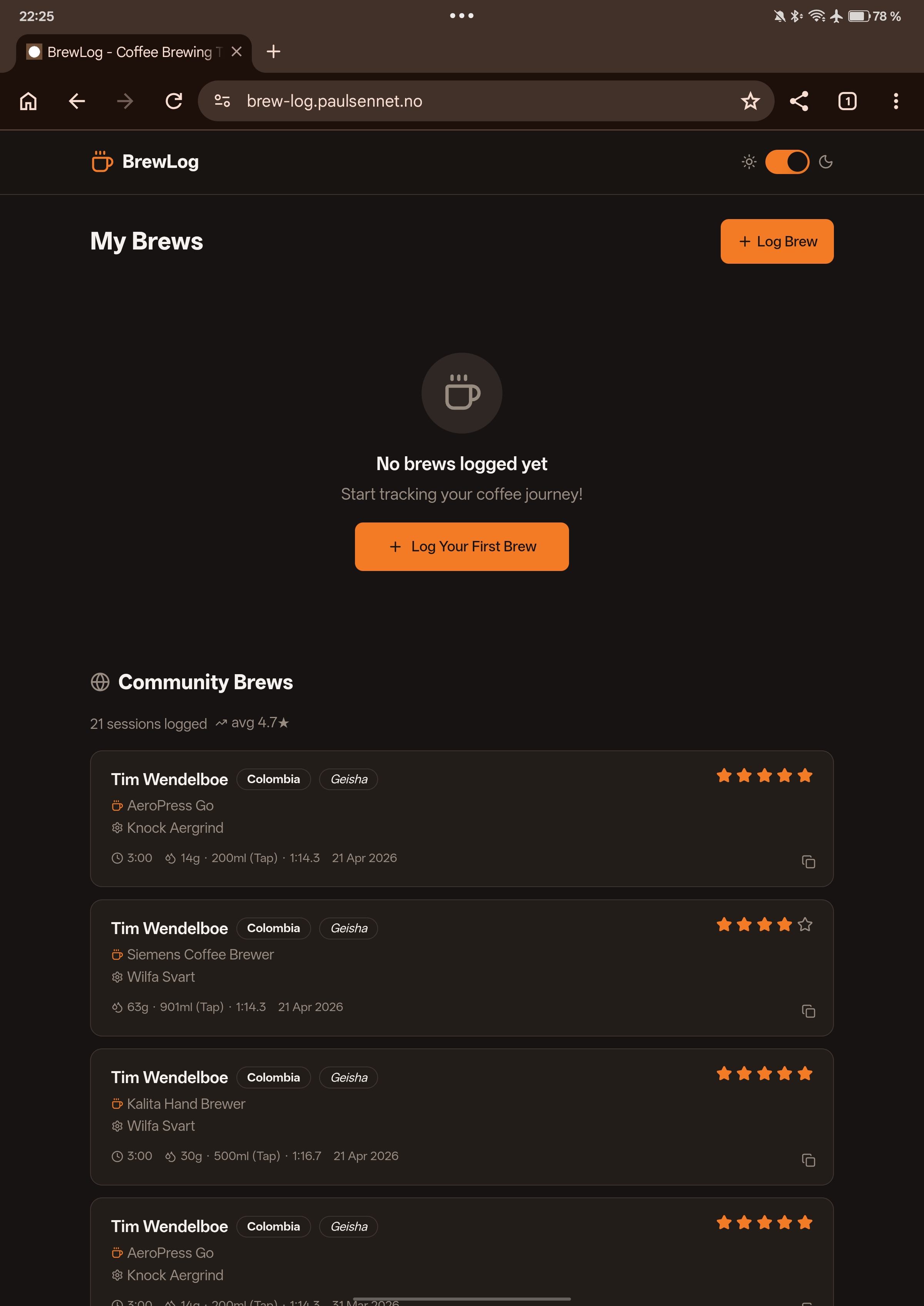
Client-rendered React SPA backed by Supabase. Authentication is handled by Supabase Auth (email/password). All brew data is stored in Postgres with row-level security — each user can only modify their own records. The community feed is a public view. The service worker caches assets and queues offline brew submissions.
BrewLog was where I first noticed that AI tools have a strong prior toward popular patterns. Every suggestion for the Supabase integration was textbook — which was great for getting started, but led to a schema that needed significant restructuring when the community feed requirements became clear.
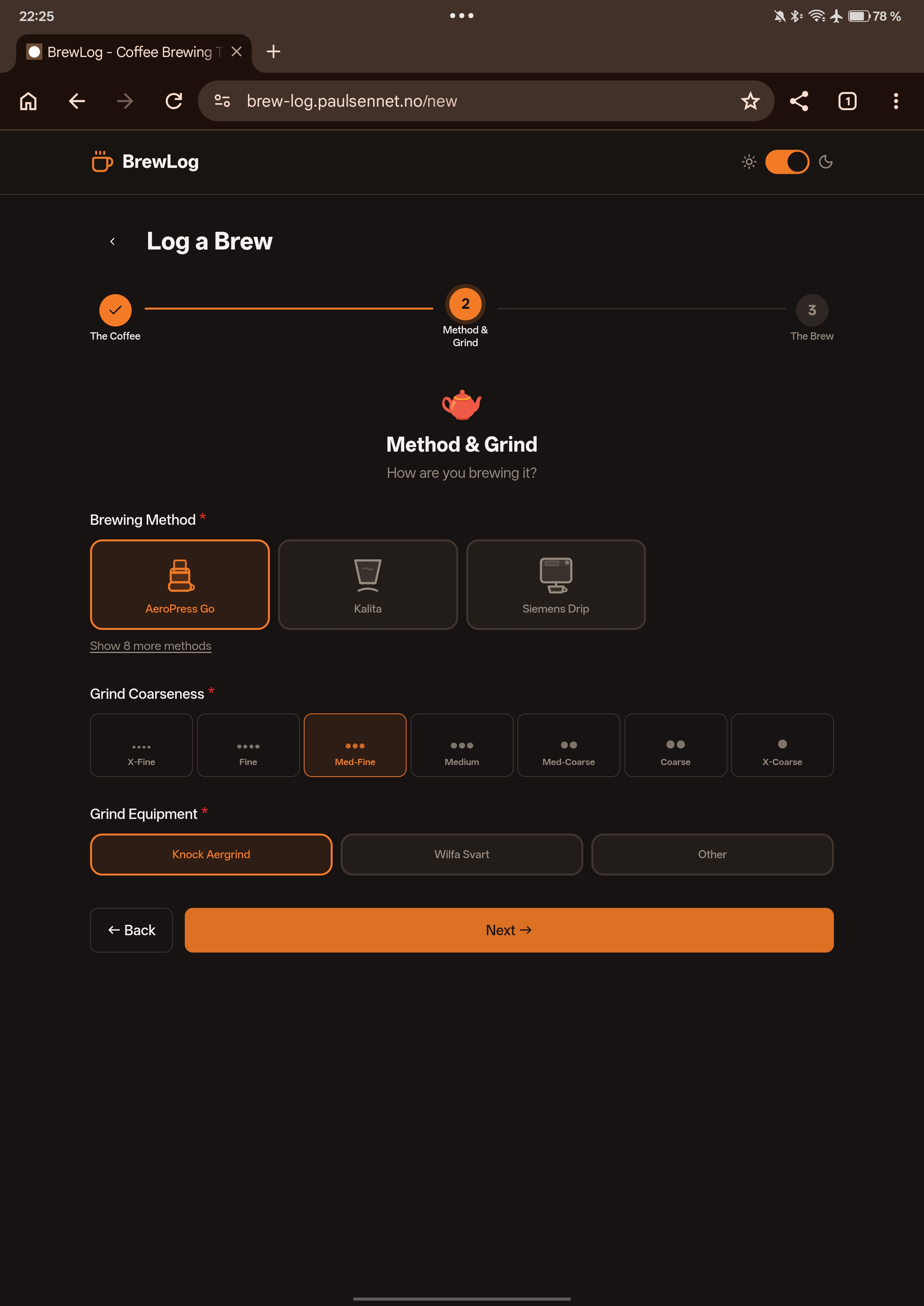
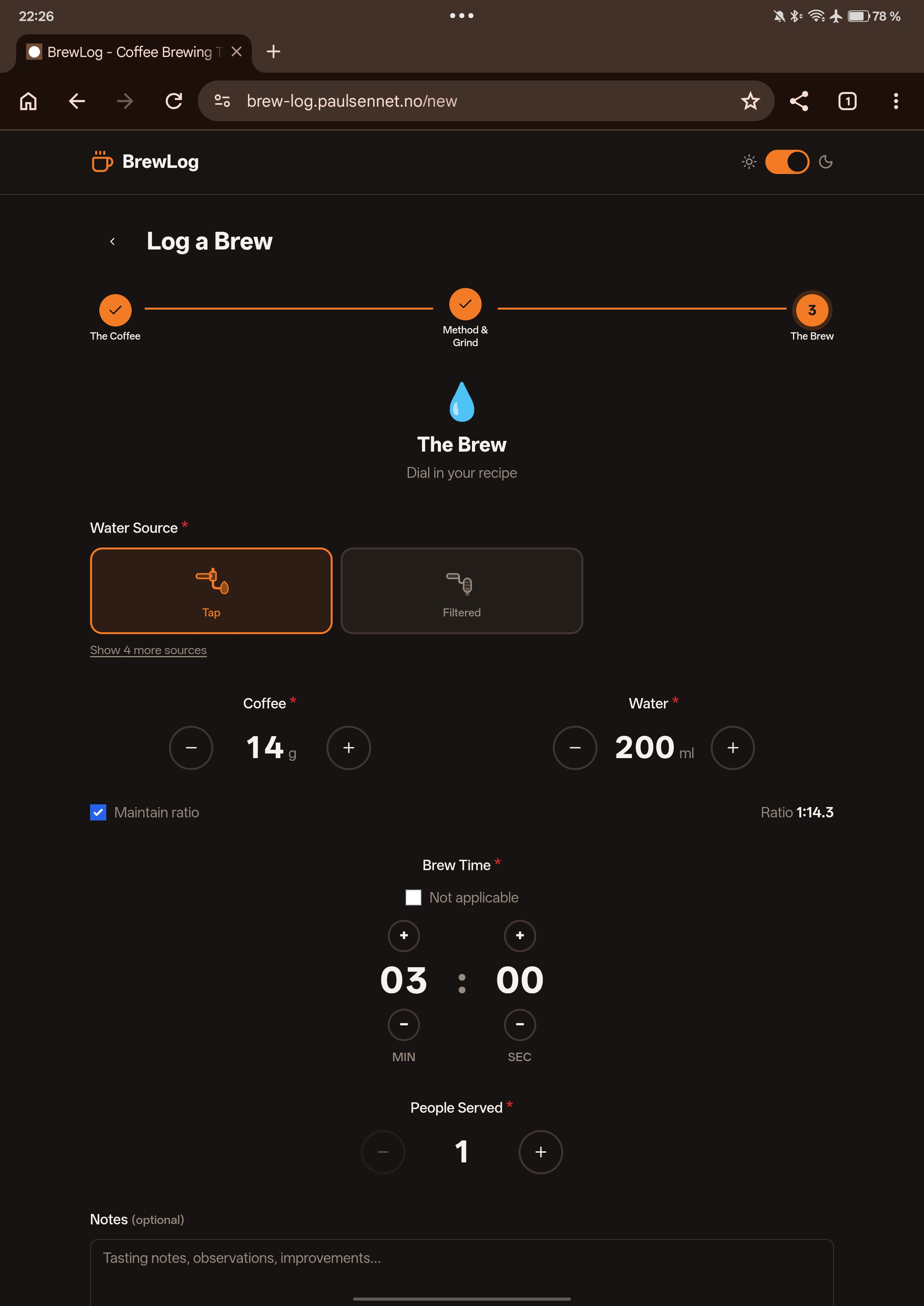
The multi-step form wizard was almost entirely designed by hand. The AI kept suggesting single-page forms with validation, missing the UX point entirely. The step-by-step flow required clear human intentionality.
PWA setup (service worker strategy, manifest) was one area where AI genuinely saved hours. The offline queueing logic was generated in one shot and worked on the first test.